Gemma 4 E2B vs E4B Benchmark: The Hidden Thinking Mode That Makes the Smaller Model 20× Slower
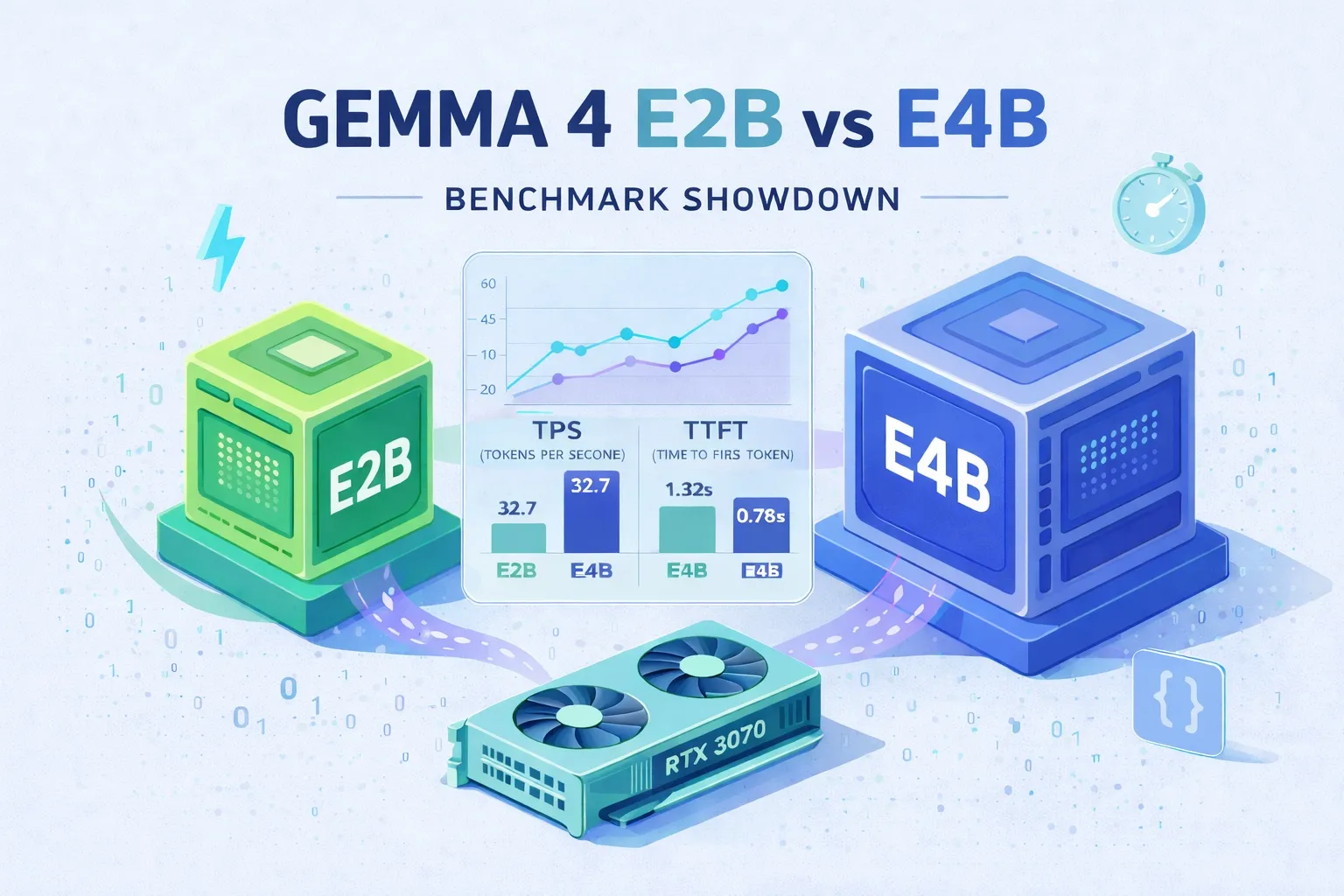
Gemma 4’s edge variants — E2B and E4B — are marketed as the “phone-and-Pi” tier of the family: tiny, open-weight, fast. The obvious assumption is that the smaller one is faster. On paper, gemma4:e2b ships with 2B effective parameters to E4B’s 4B, so surely it sails ahead?
It does, until it doesn’t. In our tests on an RTX 3070 8GB box, E2B’s raw token generation is about 35–40% faster than E4B. But on short practical tasks — classification, extraction, translation, commit messages — E4B finishes 5 to 10 times faster, and the time-to-first-token on short prompts is 20× worse on E2B. That contradiction turned out to be the interesting story, and tracing it all the way down led to an <|think|> token that Ollama’s gemma4 renderer silently injects for E2B, against what the official docs say.
This post lays out the full benchmark, the thinking-mode detective work, and a best-practice cheat sheet. If you are just here for the “which model should I run locally” answer, skip to the best practices section at the end.
Test setup
Everything ran on the same machine:
- CPU — AMD Ryzen 5 5600X (6C/12T)
- GPU — NVIDIA RTX 3070, 8GB VRAM
- RAM — 32GB DDR4-3200
- OS — Windows 11 Pro
- Ollama — exposed on LAN; Python client running on a separate machine hitting the REST API
The two models under test:
- gemma4:e2b — 5.1B total parameters, 2B effective, Q4_K_M
- gemma4:e4b — 8.0B total, 4B effective, Q4_K_M (same SHA digest as
gemma4:latest)
The “E” stands for effective parameters. Ollama displays the full parameter count, but the MatFormer architecture only activates a slice at inference time.
Here is the core Python we used to pull TPS out of the /api/generate endpoint:
import requests

resp = requests.post('http://192.168.51.202:11434/api/generate', json={
    'model': 'gemma4:e4b',
    'prompt': 'Explain what Docker is in 100 words.',
    'stream': False,
})
data = resp.json()

eval_tps = data['eval_count'] / (data['eval_duration'] / 1e9)
print(f'Generation speed: {eval_tps:.1f} t/s')
eval_duration is in nanoseconds, eval_count is generated tokens. Divide and you have generation-phase tokens per second.
Raw TPS benchmark
First, does generation speed degrade as output length grows? Three prompt sizes, gemma4:e4b:
| Test | Generated tokens | Prompt processing | Generation speed | Total time |
|---|---|---|---|---|
| Short | 15 | 263.5 t/s | 34.0 t/s | 5.02s (incl. 4.38s cold) |
| Medium | 183 | 13.5 t/s | 31.1 t/s | 8.19s |
| Long | 2,652 | 662.5 t/s | 29.7 t/s | 91.25s |
A few things jump out:
- Generation holds at ~30 t/s regardless of output length.
- Cold start is 4–5 seconds on first load; subsequent calls are instant once the model is resident in VRAM.
- Prompt processing on a warm cache is fast enough that it is not the bottleneck.
- 30 t/s is fine for conversation but feels tight inside an agent loop that emits a lot of tokens.
Does context length hurt speed?
A common worry is that cranking num_ctx up to your VRAM limit will tax generation speed. Measured:
| Context length | Generation speed | Prompt processing |
|---|---|---|
| 4,096 | 30.2 t/s | 294.6 t/s |
| 8,192 | 29.6 t/s | 297.4 t/s |
| 16,384 | 30.0 t/s | 297.5 t/s |
| 32,768 | 30.2 t/s | 288.9 t/s |
| 65,536 | 30.0 t/s | 269.1 t/s |
No meaningful impact. 4K to 64K all sit at ~30 t/s. Prompt processing at 64K is marginally slower (269 vs ~295 t/s) but the difference is noise. On an RTX 3070 running Gemma 4 E4B Q4_K_M the bottleneck is compute, not memory bandwidth, and KV cache on short prompts is small either way.
Practical takeaway: just set num_ctx to whatever your VRAM can hold. Free headroom for context-hungry workloads like Claude Code.
Time to first token
Throughput is not the whole story. For agent-style workflows, TTFT — the time from request to first token — is what you feel. A run that ends at 30 t/s but sits silent for seven seconds before emitting anything is a bad user experience.
Streaming mode, three samples each:
| Test | Average TTFT | Individual runs |
|---|---|---|
| Short | 1,068ms | 2,427ms (cold), 391ms, 386ms |
| Medium | 7,301ms | 9,753ms, 10,222ms, 1,927ms |
| Long | 22,009ms | 23,000ms, 23,921ms, 19,106ms |
Short prompts settle at ~390ms after cold start — snappy. Medium and long sit at 7 to 22 seconds before the first token, which is strange: prompt processing is fast, so what is the model doing during the delay? The answer came later, inside the thinking-mode detour. Keep this number in mind.
E2B vs E4B raw speed
Intuition says E2B should be faster across the board. Measured:
| Metric | gemma4:e2b | gemma4:e4b |
|---|---|---|
| Generation (short) | 46.0 t/s | 33.6 t/s |
| Generation (medium) | 40.0 t/s | 30.5 t/s |
| Generation (long) | 41.9 t/s | 30.2 t/s |
| TTFT (short) | ~5,863ms | ~300ms |
| TTFT (medium) | ~6,338ms | ~7,501ms |
| TTFT (long) | ~14,641ms | ~16,987ms |
E2B is indeed 35–40% faster at raw generation. But on short prompts, its TTFT is nearly 20× slower than E4B (5.8s vs 0.3s). If you were planning to pick E2B for interactive apps, this is a red flag: the headline number says fast, the lived experience says sluggish.
The contradiction resolves once we look at thinking mode. First, quality.
Quality on hard tasks
Five tasks across programming, logic, math, summarization, and creative writing. Scored out of 10 per task:
- Code — write a Python function that returns the second-largest unique value in a list, handling edge cases.
- Logic — given A>B, B>C, D>A, C>E, sort five people by height.
- Math — apples cost $2 for 3; how much for 10, with work shown.
- Summarization — compress a paragraph about Git into exactly two sentences.
- Creative — write a haiku about debugging at 3am.
| Task | E2B | E4B | Notes |
|---|---|---|---|
| Code | 8 | 8 | Both correct, both handle edge cases |
| Logic | 9 | 8 | Both land on D>A>B>C>E; E2B’s derivation is clearer |
| Math | 7 | 9 | Both hit $6.67; E4B reasons about integer groupings cleanly |
| Summarization | 7 | 9 | E2B drops Linus Torvalds and Bitbucket; E4B keeps them |
| Creative | 7 | 9 | E4B gives concrete imagery (cold screen, coffee); E2B is abstract |
| Total | 38/50 | 43/50 |
E4B wins on comprehension, detail fidelity, and creative richness. E2B is fine on code and logic but loses nuance on summarization and creative prompts. The trade is roughly 35–40% faster generation against ~10% worse quality — pick your poison by use case.
The plot twist: practical tasks
Those five tasks were arguably unfair to a 5B-class model — they are the natural turf of 70B+ cloud models. So we flipped it and ran tasks that small models should own: short input, tight scope, short output.
- Sentiment — classify a product review as positive, negative, or neutral.
- Keyword extraction — pull 5 keywords from a Docker blurb.
- Structured extraction — turn an email into JSON (
sender,date,subject,action_required). - Shell command — write a
findcommand for.logfiles modified in the last 24 hours under/var/log. - Short translation — translate an English system message into another language.
- Commit message — write a Conventional Commits line for a described diff.
Results:
| Task | E2B time / tokens | E4B time / tokens |
|---|---|---|
| Sentiment | 15.4s / 165 | 13.9s / 2* |
| Keyword extraction | 7.4s / 280 | 0.74s / 13 |
| Structured extraction | 7.9s / 299 | 2.28s / 63 |
| Shell command | 7.8s / 301 | 0.91s / 19 |
| Short translation | 14.9s / 588 | 1.10s / 23 |
| Commit message | 0.5s / 11 | 0.76s / 15 |
*includes cold start
On these, E4B is 5 to 10 times faster than E2B — despite being slower in the raw TPS chart. Look at the token column: E2B burns 165 to 588 tokens per task while E4B spends 2 to 63. E2B is doing a lot of invisible generation the user never sees.
Quality is roughly level. For keyword extraction, E2B gave Docker, containers, virtualization, software, packages; E4B gave Docker, virtualization, containers, OS-level, packages — the latter slightly more precise with OS-level. For commit messages, E2B produced feat: add exponential backoff retry to API client and E4B produced feat(api): add retry mechanism with exponential backoff for network failures — the scoped form is more idiomatic.
For tight, well-specified tasks, E4B is the better choice — faster in wall-clock time, a hair better in quality, and it does not wander off to think.
Parameter cheat sheet
Before the thinking-mode autopsy, a quick refresher on the sampling knobs. Ollama’s defaults for gemma4:
temperature 1
top_k       64
top_p 0.95temperature— randomness. 0 always picks the top-probability token (deterministic), 1 samples from the raw distribution, >1 gets more creative/divergent. Use 0–0.3 for code and structured extraction; 0.8–1.2 for creative writing.top_k— sample only from the top k candidates and discard the rest. Lower is more conservative. Gemma 4’s default of 64 is on the permissive side.top_p(nucleus sampling) — include candidates in descending probability until the cumulative mass reaches p. Used together withtop_k; the intersection is what gets sampled.think— a boolean Ollama exposes on chat models that toggles “reason-then-answer” mode. Orthogonal to the three samplers above. Gemma 4 specific.
The first three change how a token is picked from the candidates. They do not explain E2B’s slowdown. The culprit is think.
The thinking mode detour
Verify with the think parameter
Ollama’s /api/generate accepts a think boolean:
resp = requests.post('http://192.168.51.202:11434/api/generate', json={
    'model': 'gemma4:e2b',
    'prompt': '...',
    'stream': False,
    'think': False,  # force-disable thinking
})
data = resp.json()
print(data['response'])   # final answer
print(data['thinking'])   # thinking trace (populated when think=True)
Running the short-translation prompt across five configurations:
| Configuration | Time | Tokens | Notes |
|---|---|---|---|
E2B default (no think arg) | 20.0s | 583 | Thinking content stripped by parser |
E2B think=False | 0.73s | 18 | Thinking skipped |
E2B think=True | 13.8s | 541 | Thinking trace in thinking field (1,589 chars) |
| E4B default | 6.35s | 20 | No thinking |
E4B think=True | 0.84s | 18 | No thinking behavior observed |
Key findings:
- E2B has thinking enabled by default. It generates ~500 extra internal tokens that Ollama’s
gemma4parser filters out before returning the response. You never see them, but you pay for them. - Setting
think=Falsemakes E2B 20× faster — right in line with E4B. - Explicit
think=Trueputs the final answer inresponseand the full reasoning trace (1,589 characters here) in a separatethinkingfield. - E4B does not support thinking mode at all. Neither
think=Truenorthink=Falsechanges its behavior.
Does disabling thinking hurt quality?
A 20× speedup is seductive — but at what cost? Same six practical tasks, E2B default vs think=False:
| Task | E2B default | E2B think=False | Difference |
|---|---|---|---|
| Sentiment | NEGATIVE | NEGATIVE | Identical |
| Keyword extraction | Docker, containers, virtualization, software, packages | Docker, virtualization, containers, software, packages | Order only |
| Structured extraction | "Submit your reports by Friday" | "submit your reports by Friday" | Capitalization |
| Shell command | find ... -mtime -1 | find ... -mtime -1 | Identical |
| Short translation | natural phrasing | slightly awkward word order | Minor |
| Commit message | feat: add exponential backoff retry... | feat: add retry mechanism with exponential backoff... | Both good |
For well-specified tasks, disabling thinking costs almost nothing and gains 10–20× speed. It is a free lunch on this kind of workload. For harder tasks — multi-step reasoning, creative writing — you likely want thinking on, which means either E2B with think=True or a bigger model entirely.
Why does E2B think by default? The docs disagree
Here is where it gets interesting. Google’s official Thinking mode in Gemma page says Gemma 4 thinking is opt-in — you have to prepend an <|think|> control token to the system prompt. Ollama’s own gemma4:e2b page echoes this.
Observed behavior says otherwise. E2B on Ollama clearly runs with thinking enabled unless you explicitly turn it off. So who is injecting the token?
raw=true catches the culprit
raw=true on Ollama bypasses the built-in chat template / renderer and ships the prompt to the model verbatim. We hand-rolled two templates per the official format:
# no thinking
<|turn>user
[Prompt]<turn|>
<|turn>model

# with thinking
<|turn>system
<|think|><turn|>
<|turn>user
[Prompt]<turn|>
<|turn>model
Same short-translation prompt, three configurations per model:
| Test | E2B tokens | E4B tokens |
|---|---|---|
Ollama default (raw=False) | 577 (thinking) | 20 (no thinking) |
Manual no-think + raw=True | 18 (no thinking) | 19 (no thinking) |
Manual with-think + raw=True | 552 (thinking) | 19 (no thinking) |
Chain of evidence:
- E2B “Ollama default 577” ≈ E2B “manual with-think 552” → Ollama is injecting
<|think|>into E2B’s prompt by default. - E4B ignores
<|think|>even when manually supplied → E4B was never trained to respond to the token. - E2B with a manual no-think template drops to 18 tokens, matching the API’s
think=Falsepath.
Verdict: Ollama’s gemma4 renderer quietly enables thinking for E2B by default, contradicting both Google’s and Ollama’s own documentation that call it opt-in. Whether this is a deliberate special case or a bug, the practical upshot is the same: if you want E2B to be fast, pass think=False.
A note on running Claude Code locally
A natural next question: can you point Claude Code at a local Ollama and skip the cloud API bill? Yes, with caveats.
The basic wiring is simple. Pull the model, then tell Claude Code where Ollama lives:
ollama pull gemma4:e4bIn Claude Code’s settings.json, set the base URL to your local Ollama endpoint and pick gemma4:e4b as the model. Two concrete things matter:
- Use E4B, not E2B. Everything above applies here — E2B’s default thinking mode turns every tool call into a multi-second wait, and Claude Code makes a lot of tool calls.
- Set
num_ctxto at least 32K. Claude Code’s system prompt and context accumulation get crowded fast; anything smaller and you will see truncation issues.
Expect the experience to be noticeably slower and less reliable than Claude’s own hosted models. A local 4B model will occasionally overwrite files whole instead of making targeted edits, and its tool-use judgment lags behind frontier models. Treat it as “learn how the stack works” or “automate cheap text-processing jobs” rather than “daily driver for a real codebase.” The best home for gemma4:e4b in your workflow is probably a cron job, a Git hook, or a Slack bot — places where free and offline matters more than raw quality.
Best practices for local edge models
Pulled together from everything above:
- Need reasoning? E2B +
think=True. Deeper answers at the cost of speed. - Clear, specified tasks? E4B (or E2B +
think=False). Classification, extraction, translation, commit messages — 10–20× faster with negligible quality loss. - Agent workflows like Claude Code? E4B. E2B’s default thinking makes the interaction painfully slow.
- Context length? Max it out. 4K and 64K run at the same speed; bigger context saves you from overflow pain.
- Sampling parameters? Defaults are fine. Lower
temperatureto 0.1–0.3 for deterministic tasks; raise toward 1.0+ for creative ones.
A Python template that encodes most of this for fast, well-specified jobs:
import requests

def quick_task(prompt: str) -> str:
    """Tight, deterministic tasks — maximum speed."""
    resp = requests.post('http://192.168.51.202:11434/api/generate', json={
        'model': 'gemma4:e4b',
        'prompt': prompt,
        'stream': False,
        'think': False,
        'options': {
            'temperature': 0.2,
            'num_ctx': 8192,
        },
    })
    return resp.json()['response'].strip()

msg = quick_task('Write a conventional commit message for: added retry logic to API client')
print(msg)
Wrap-up
What started as a “how fast is Gemma 4 on an RTX 3070?” benchmark turned into an accidental discovery: Ollama’s gemma4 renderer enables thinking for E2B by default, against what both Google and Ollama document. That single quirk explains the entire paradox — why E2B is faster on paper but slower in practice, why its TTFT is wildly worse on short prompts, and why think=False produces a 20× speedup with near-zero quality cost on practical tasks.
Net-net: on a single 8GB consumer GPU, gemma4:e4b with think=False is the best default for small-model workloads. Save E2B + thinking for genuinely hard problems, and keep your heavy reasoning on a cloud model.