Java 8 Date and Time API Tutorial: LocalDateTime, Instant, Duration with Examples
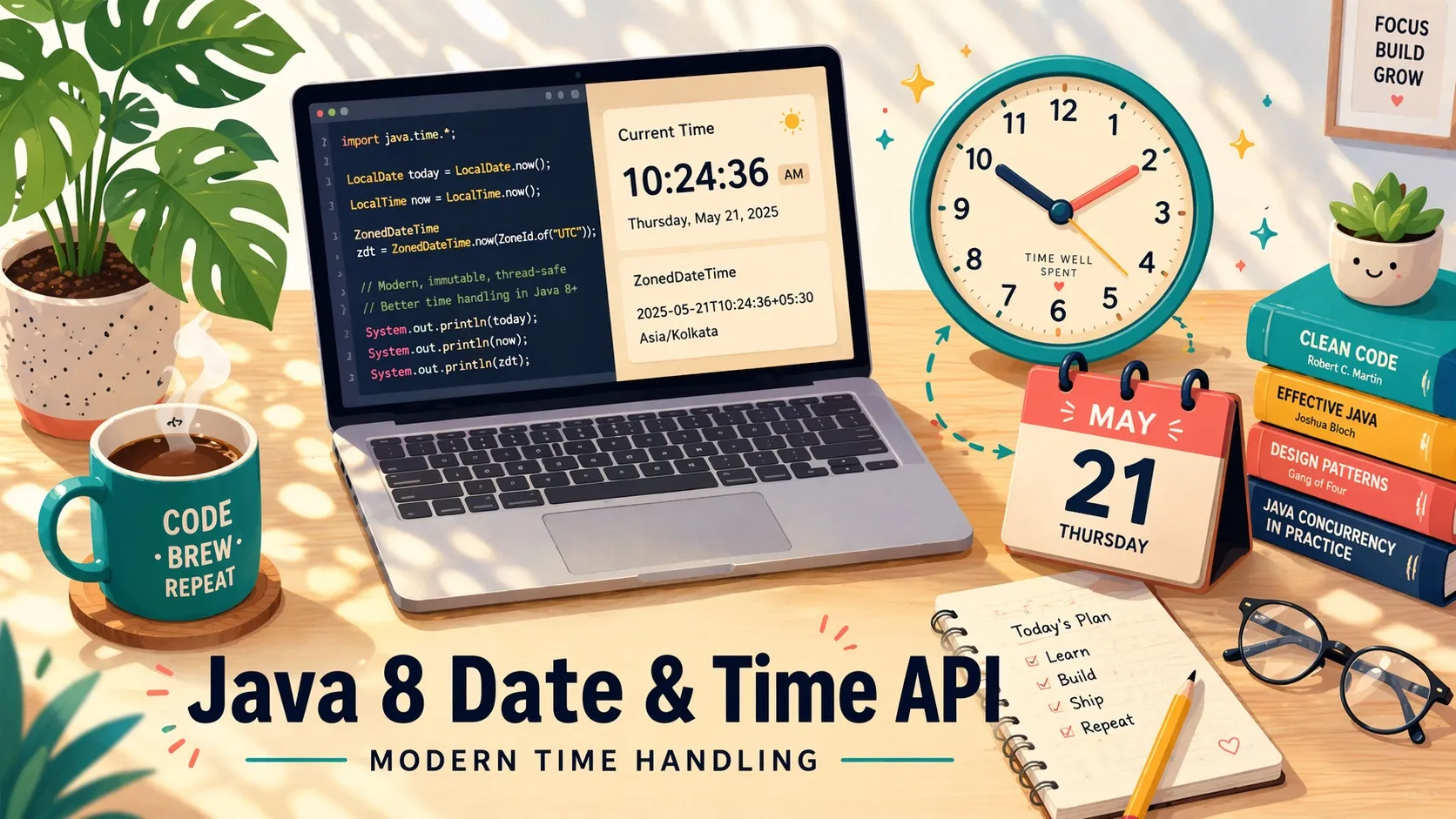
Before Java 8, recording a point in time usually meant storing a Unix timestamp as a long or using java.util.Date. Java 8 introduced the java.time package — a cleaner API that lets you record a date only, a time only, a duration, or a zoned instant, without the pitfalls of the old classes. This tutorial introduces the new types and walks through the operations you will actually reach for.
Before Java 8
The old approach
There were two common choices before Java 8. The first was to store a Unix timestamp (also known as POSIX time or Epoch time) as a long. System.currentTimeMillis() returns a millisecond-precision Unix timestamp.
The second was java.util.Date. Internally, Date also stores a Unix timestamp, retrievable via getTime(). Converting it to a human-readable string required pairing it with java.text.SimpleDateFormat.
Problems with the pre-Java-8 API
Both approaches share several weaknesses:
- Mutability.
Date#setTime()lets anyone change the instant aDatepoints to. Declaring the fieldfinaldoes not help — the reference is final but the object is not. In multi-threaded or functional code, accidental mutation causes subtle bugs. - Time zone confusion. Unix timestamps are implicitly UTC, but
java.util.Datehas no time zone of its own. Conversions default to the OS time zone, which is easy to get wrong. - Precision.
java.util.Datestores milliseconds — nothing finer. - No date-only or time-only values. You cannot represent “just a date” or “just a time”. JPA entities have to declare
TemporalTypeto tell the persistence layer which ofDATE,TIME, orTIMESTAMPto map to.
What Java 8 introduced
Java 8 added the java.time package, plus java.time.format for parsing and printing. The replacement for Date is LocalDateTime, accompanied by LocalDate (date only) and LocalTime (time only).
The “Local” prefix means “local time” — wall-clock time without a time zone. When a time zone is important, use ZonedDateTime (tied to a region like Asia/Tokyo) or OffsetDateTime (tied to a fixed offset like UTC+9).
Java 8 also added Instant for a single point on the timeline and Duration for a span of time. Modern Spring Data JPA and Hibernate support the Local* types natively — they map automatically to SQL DATE, TIME, and TIMESTAMP, so you can use them as entity field types instead of Date.
Practical examples follow.
Create a LocalDateTime
Below are direct construction and parsing with ISO 8601. For custom formats, see “Parse a string into LocalDate” below.
import java.time.LocalDateTime;

// From the current instant
LocalDateTime.now();

// From an ISO 8601 string
LocalDateTime.parse("2023-03-12T08:35:00");
Convert LocalDateTime to LocalDate and LocalTime
import java.time.LocalDateTime;
import java.time.LocalDate;
import java.time.LocalTime;

LocalDateTime dateTime = LocalDateTime.now();

// Date only
LocalDate date = dateTime.toLocalDate();

// Time only
LocalTime time = dateTime.toLocalTime();
Unix time to LocalDateTime
import java.time.LocalDateTime;
import java.time.Instant;
import java.time.ZoneId;

// Seconds
long tsSec = 1678550618L;
LocalDateTime fromSec = LocalDateTime.ofInstant(
        Instant.ofEpochSecond(tsSec), ZoneId.systemDefault());

// Milliseconds
long tsMs = 1678550618900L;
LocalDateTime fromMs = LocalDateTime.ofInstant(
        Instant.ofEpochMilli(tsMs), ZoneId.systemDefault());
LocalDateTime to Unix time
import java.time.LocalDateTime;
import java.time.ZoneId;
import java.time.ZonedDateTime;

LocalDateTime dateTime = LocalDateTime.now();
// Output in milliseconds
long ms = ZonedDateTime.of(dateTime, ZoneId.systemDefault())
        .toInstant()
        .toEpochMilli();
Parse a string into LocalDate
This section has more code than usual — var keeps it readable.
import java.time.LocalDate;
import java.time.format.DateTimeFormatter;
import java.util.Locale;

// Example 1
var str1 = "2023-03-12";
var formatter1 = DateTimeFormatter.ofPattern("yyyy-MM-dd");
var date1 = LocalDate.parse(str1, formatter1);

// Example 2 — a format with an English month name
var str2 = "March 12, 2023";
var formatter2 = DateTimeFormatter.ofPattern("MMMM d, yyyy", Locale.ENGLISH);
var date2 = LocalDate.parse(str2, formatter2);

// Example 3 — literal text inside the pattern (single quotes)
var str3 = "Log entry 2023/03/12";
var formatter3 = DateTimeFormatter.ofPattern("'Log entry' yyyy/MM/dd");
var date3 = LocalDate.parse(str3, formatter3);
A reference table for DateTimeFormatter patterns is at the end of this article.
Parse a string into LocalDateTime
import java.time.LocalDateTime;
import java.time.format.DateTimeFormatter;

String str = "2023-03-12 15:00";
DateTimeFormatter formatter = DateTimeFormatter.ofPattern("yyyy-MM-dd HH:mm");
LocalDateTime dateTime = LocalDateTime.parse(str, formatter);
Format a LocalDate as a string
import java.time.LocalDate;
import java.time.LocalDateTime;
import java.time.format.DateTimeFormatter;
import java.util.Locale;

LocalDate date = LocalDate.now();
DateTimeFormatter formatter = DateTimeFormatter.ofPattern("MMMM d, yyyy", Locale.ENGLISH);
String str = date.format(formatter);

// The same pattern works on LocalDateTime — it only prints the date portion
LocalDateTime dateTime = LocalDateTime.now();
String strFromDateTime = dateTime.format(formatter);
Measure elapsed time
Timing a block of code is the canonical example.
import java.time.Instant;
import java.time.Duration;

// Start
Instant begin = Instant.now();
// ...do expensive work...
// End
Instant end = Instant.now();

// Turn two instants into a duration
Duration duration = Duration.between(begin, end);

long seconds = duration.toSeconds();
long millis  = duration.toMillis();
long nanos   = duration.toNanos();
Date and time arithmetic
java.time types are immutable, so arithmetic returns a new object rather than mutating the receiver. Always reassign the result.
import java.time.LocalDateTime;
import java.time.temporal.ChronoUnit;

LocalDateTime dateTime = LocalDateTime.now();

// Option A — named helpers
LocalDateTime a = dateTime
        .plusYears(1)
        .plusMonths(1)
        .plusWeeks(1)
        .plusDays(1)
        .plusHours(1)
        .plusMinutes(1)
        .plusSeconds(1)
        .plusNanos(1);

// Option B — plus(amount, unit)
LocalDateTime b = dateTime
        .plus(1, ChronoUnit.YEARS)
        .plus(1, ChronoUnit.MONTHS)
        .plus(1, ChronoUnit.WEEKS)
        .plus(1, ChronoUnit.DAYS)
        .plus(1, ChronoUnit.HALF_DAYS) // 12 hours
        .plus(1, ChronoUnit.HOURS)
        .plus(1, ChronoUnit.MINUTES)
        .plus(1, ChronoUnit.SECONDS)
        .plus(1, ChronoUnit.MILLIS)
        .plus(1, ChronoUnit.NANOS);
Every plusXxx has a matching minusXxx, and plus() has a matching minus(). You can also pass a negative amount to plus(). Because Duration represents a span of time, it works as an argument to plus() and minus() as well.
DateTimeFormatter patterns
DateTimeFormatter’s pattern letters are almost identical to the legacy SimpleDateFormat. The table below is a quick reference; for the full list see the Java Doc for DateTimeFormatter.
The “Example” column assumes the instant 2023-03-09T08:01:05.
| Pattern | Meaning | Example |
|---|---|---|
y | Year | 2023 |
yyyy | Year (same) | 2023 |
yy | Year (2-digit) | 23 |
Y | Week-based year | 2023 |
u | ISO week-based year | 2023 |
M | Month (not zero-padded) | 3 |
MM | Month (zero-padded) | 03 |
MMMM | Month (full name, locale) | March |
d | Day (not zero-padded) | 9 |
dd | Day (zero-padded) | 09 |
h | 12-hour hour (not zero-padded) | 8 |
hh | 12-hour hour (zero-padded) | 08 |
H | 24-hour hour (not zero-padded) | 8 |
HH | 24-hour hour (zero-padded) | 08 |
m | Minute (not zero-padded) | 1 |
mm | Minute (zero-padded) | 01 |
s | Second (not zero-padded) | 5 |
ss | Second (zero-padded) | 05 |
S | Fractional second (1 digit) | 0 |
SS | Fractional second (2 digits, up to 9) | 00 |
a | AM/PM (localized) | AM |